THE DOORPRO SYSTEM

Everything the field needs. Nothing it doesn’t.

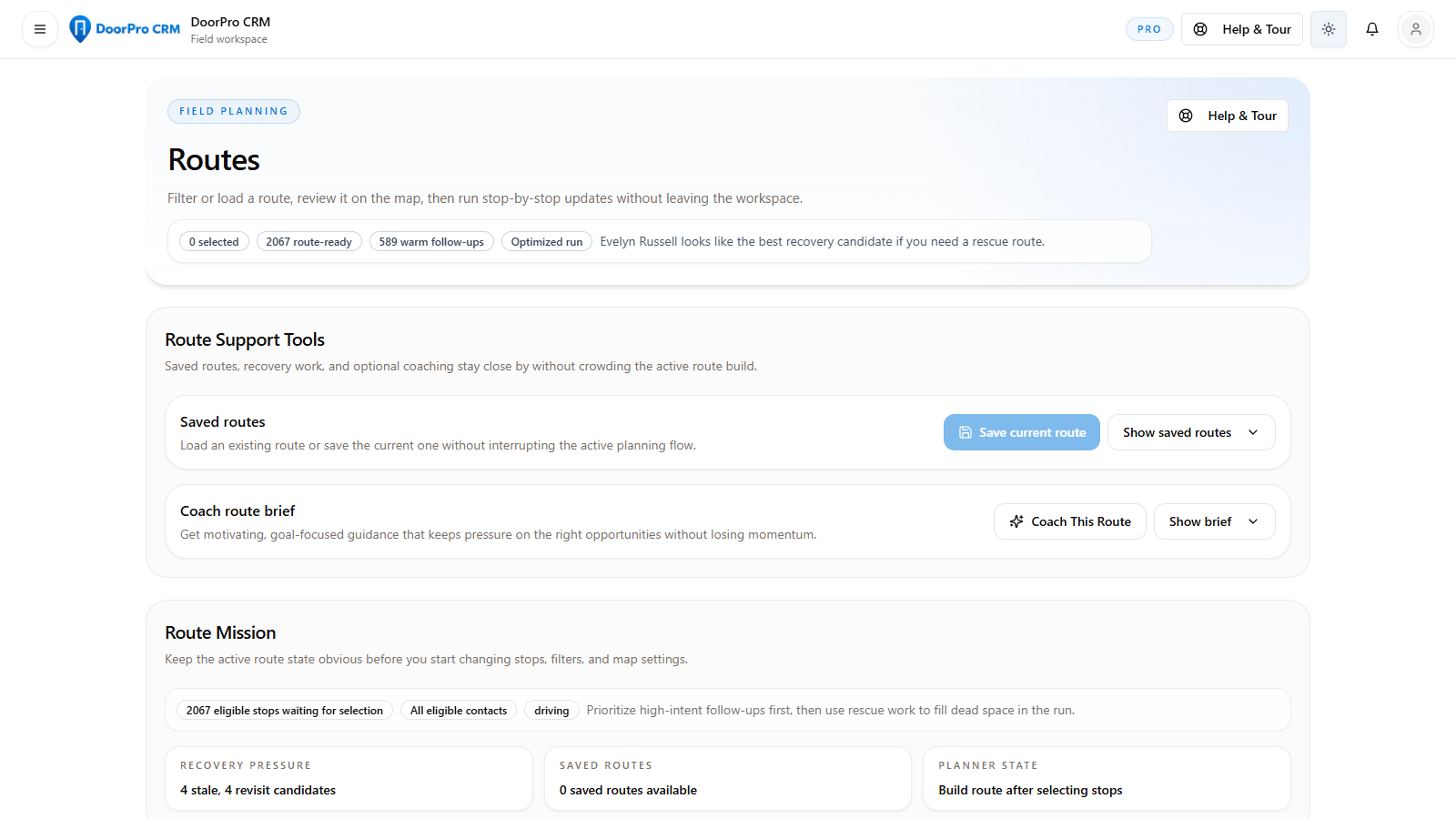
A connected workspace for prospecting, routing, door results, follow-ups, appointments, and team operations.
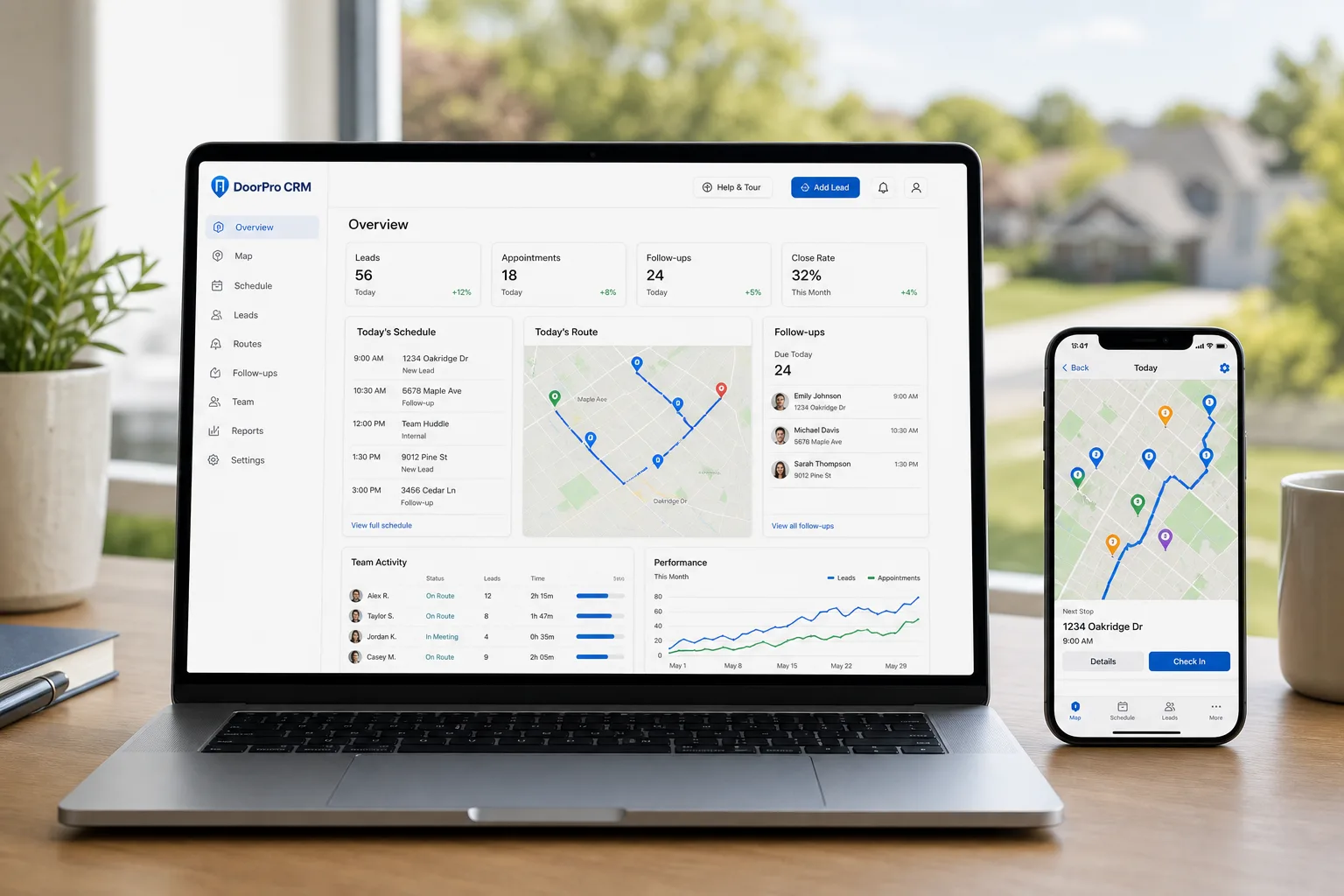
DoorPro field sales workspace shown across desktop and mobile
CONNECTED FIELD WORKSPACE
/ CAPABILITIES

Built around real field motion.

Each capability is useful on its own. Together they turn the entire day into one traceable, repeatable workflow.

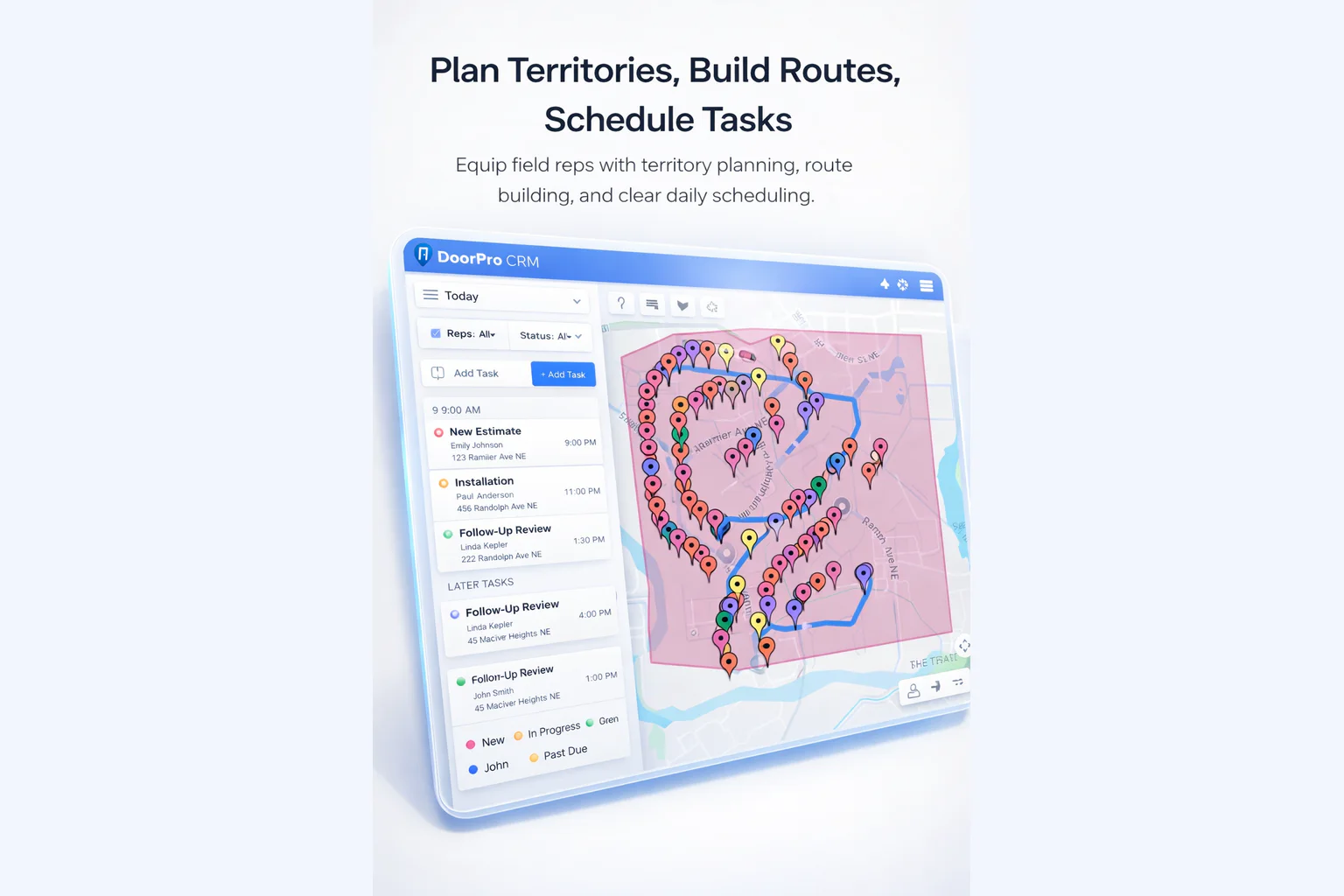
DoorPro route planning workspace with a mapped field route
ROUTE PLANNING
01 / TERRITORIES

Map the market

Create clear areas of responsibility so coverage is intentional and ownership stays visible.
  • Territory assignment
  • Coverage visibility
  • Rep-level ownership
DoorPro territory and route planning shown across field devices
BUILD AN EXECUTABLE DAY
02 / ROUTES

Build the day

Turn a list of opportunities into an ordered field plan your reps can actually execute.
  • Route building
  • Next-stop context
  • Daily planning
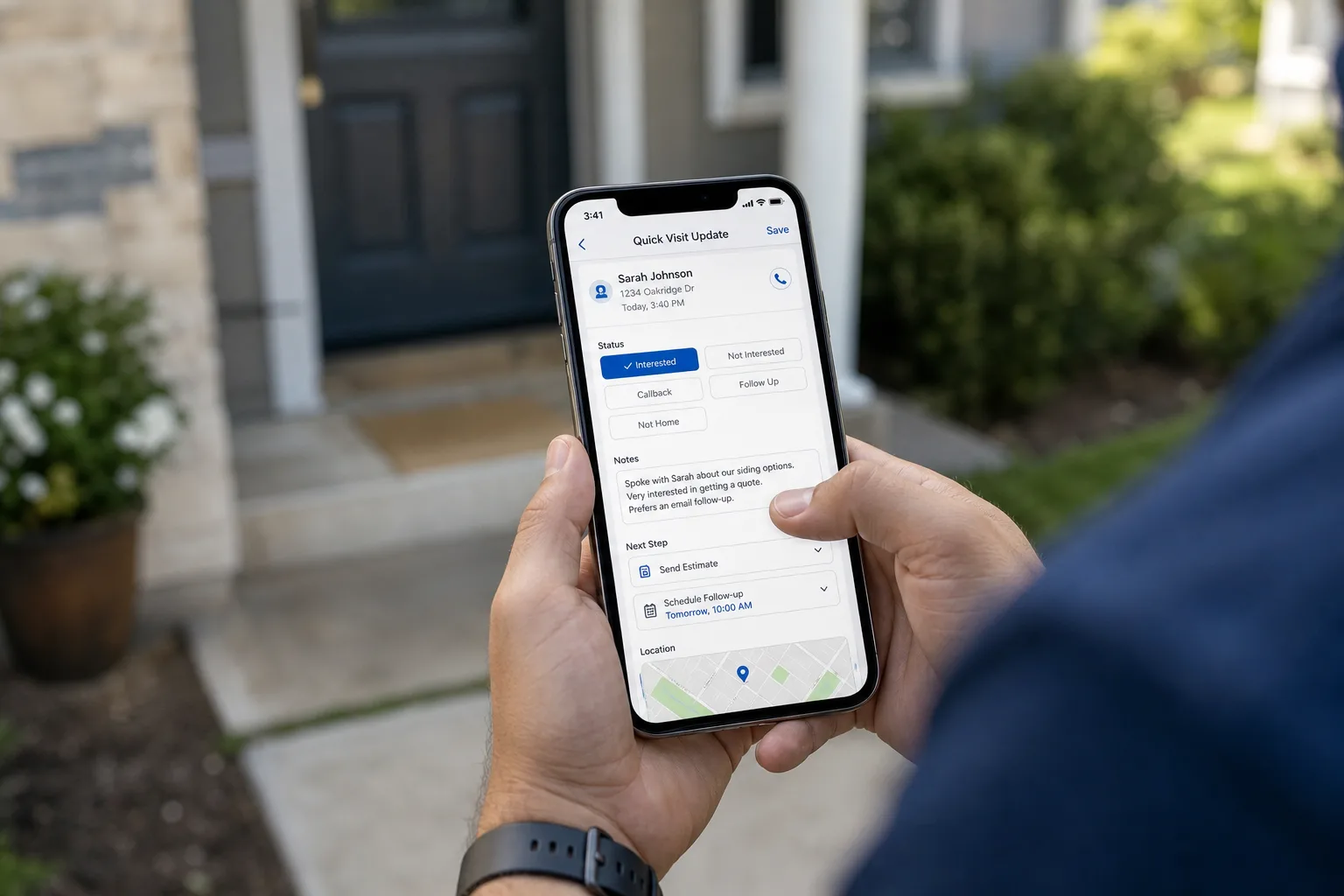
A field representative capturing a visit result and next action on mobile
CAPTURE AT THE DOOR
03 / FIELD UPDATES

Capture at the door

Log outcomes, notes, contact changes, and appointments while the conversation is still fresh.

  • Fast status updates
  • Notes and context
  • Appointment capture
A field representative completing a follow-up on her phone after a doorstep visit
PROTECT FOLLOW-UP MOMENTUM
04 / FOLLOW-UPS

Protect momentum

Keep promising conversations from disappearing into notes, texts, or memory.
  • Priority queue
  • Check-back workflow
  • Clear next actions
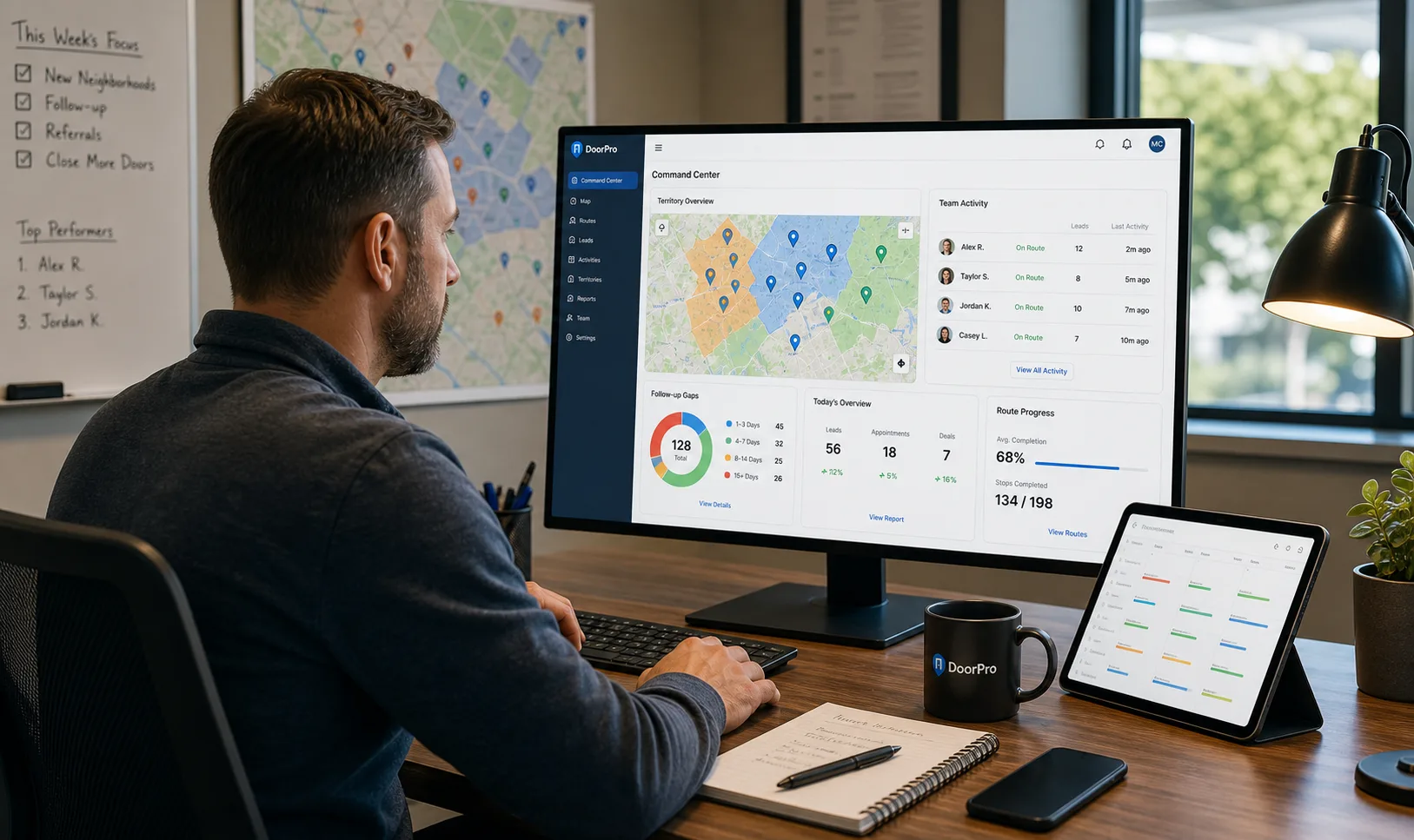
A manager reviewing DoorPro territory coverage and team activity
MANAGER COMMAND CENTER
05 / TEAM VIEW

See the operation

Give managers a current picture of team activity without interrupting reps for updates.
  • Rep focus
  • Shared activity
  • Manager visibility
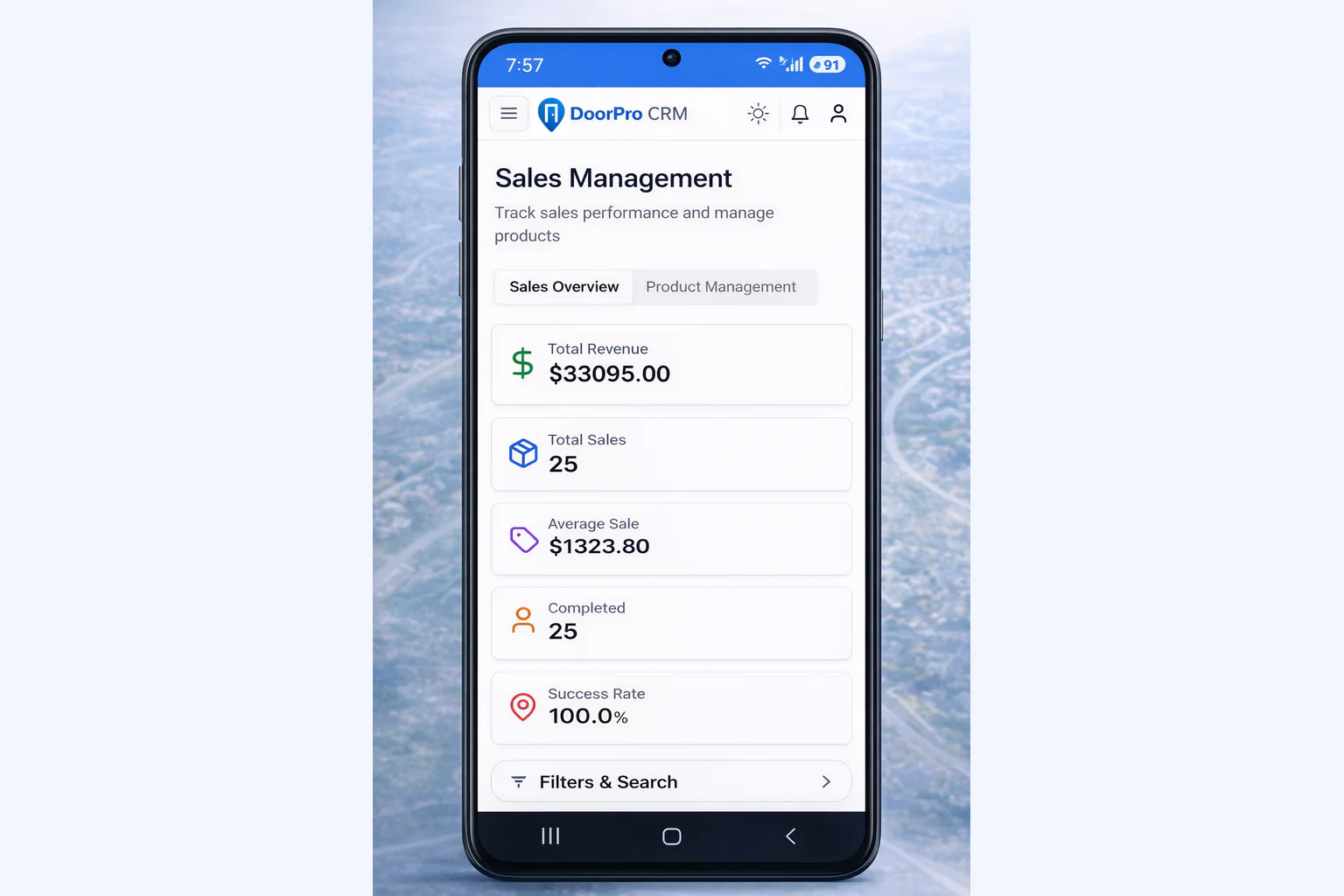
DoorPro mobile reporting for current field performance and priorities
LEARN FROM THE FIELD
06 / REPORTING

Learn what moves

Review the work behind the result—not just the final number—so coaching gets more precise.

  • Activity reporting
  • Pipeline signals
  • Performance context
/ THE NEXT MOVE IS YOURS

Put the whole field
on the same page.

Start with the workflow. Scale when the team is ready.